
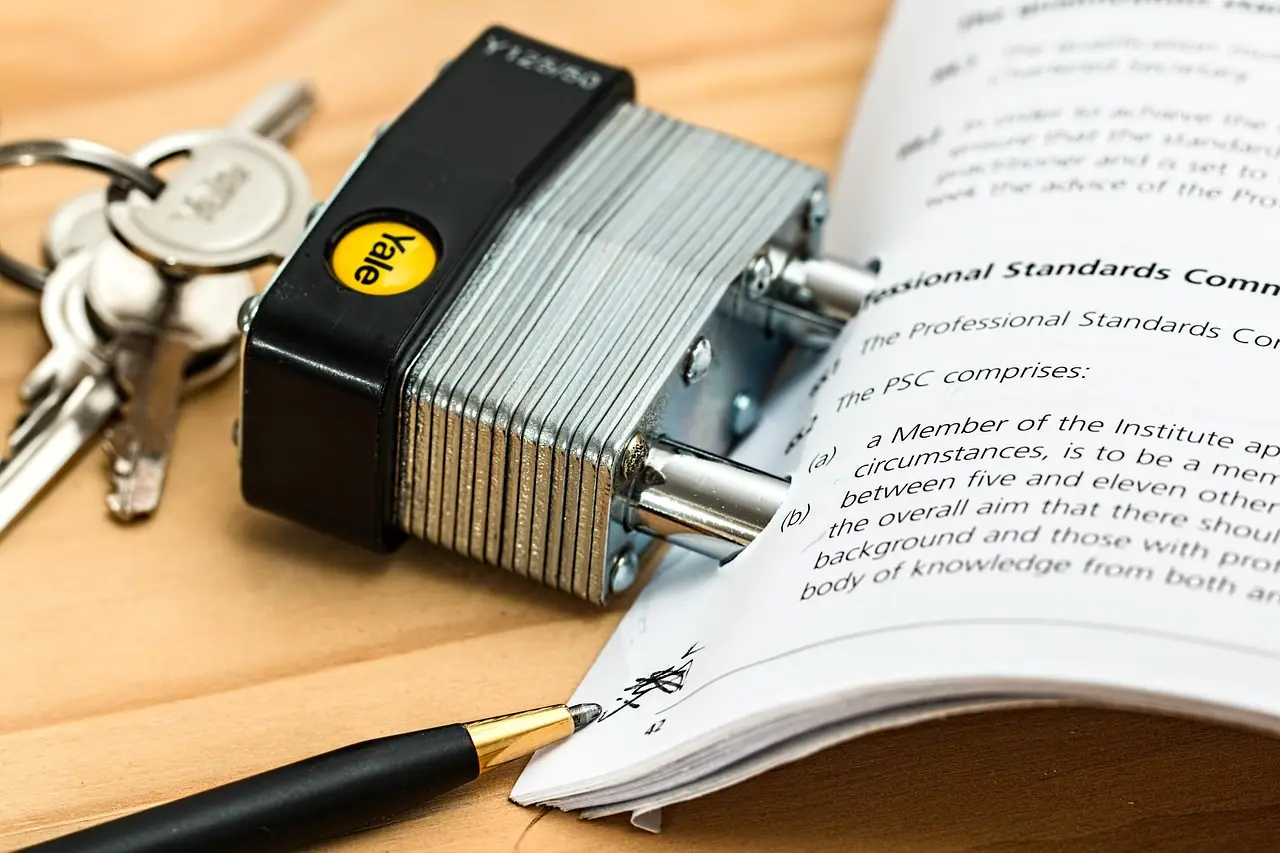
Quick answer: Secure SSL forms encrypt data while it travels to your server, giving you control over storage and access. Messaging apps may encrypt messages in transit, but they scatter information across personal devices and cloud backups, making it hard to manage or delete sensitive travel details.
Many travel agencies in India rely on messaging apps to collect passenger details. While this feels fast, it often leads to messy records and security risks. You will learn how to transition to professional tools to grow your business safely.
The hidden risks of messaging for travel bookings
When you ask a customer to send their passport number or Aadhaar details over a messaging app, you create a weak point in your workflow. If their phone or your phone is accessed by someone else, that private data is exposed. This is a major concern for data privacy.
For instance, a travel agent in Kochi might receive a family's full travel itinerary and ID copies on a messaging app. If that phone is lost or stolen, the entire family's sensitive information is at risk. This can lead to identity theft or misuse of personal documents.
Furthermore, relying on apps makes it hard to keep your business organized. Messages get buried, and you might forget to follow up on a potential client. This is where travel booking support tools help you stay on top of every lead.
When you use messaging apps for sensitive data, you lose control over where that information is stored. Data can become scattered across personal devices and cloud backups, making it hard to manage or delete when needed. Moving to a dedicated form ensures that you are the only one holding the keys to your customer's data.
Consider a scenario where a client sends a scanned copy of a visa. If that message is forwarded accidentally or intercepted, you have no way to track where that file goes. Using a secure form keeps the document within your own controlled server environment.
Building trust with professional web forms
Customers today are more aware of digital safety than ever before. When they see a professional website with a secure form, they feel confident sharing their details. An SSL certificate, which shows a padlock icon in the browser, tells them their data is being sent through a private tunnel.
Consider a tour operator in Shimla who moves from manual messaging to a secure web development solution. Instead of typing details into a chat, the guest fills out a structured form. This looks professional and shows that you take their privacy seriously.
This shift also helps your development workflow. When data flows directly into your database, you can send automated follow‑ups or reminders. It turns a simple inquiry into a smooth, reliable booking experience for your customer.
Professionalism is often the deciding factor for high‑value clients. A customer planning a major pilgrimage or a corporate trip expects a formal process. They are more likely to book with an agency that provides a structured form than one that asks for details in an informal chat.
Imagine a customer comparing two agencies for a luxury tour. The first agency asks for details via a messaging app link. The second agency provides a secure, branded form on their website. The second agency wins the client because they demonstrate maturity and care for security.
Why encryption matters for your business
Encryption is like putting a letter inside a locked envelope before sending it. Without it, your data is like a postcard that anyone can read while it travels across the internet. Cybersecurity is not just for large banks; it is for every small business that handles customer data.
Think of a small pilgrimage organizer in Varanasi. If they use a secure form, the data is scrambled so only they can read it. If they use a messaging app, the data might be stored on third‑party servers that are outside their control. Protecting this data is a key part of maintaining your reputation.
When you invest in business automation, you reduce the chance of manual errors. You also ensure that you are complying with basic standards of digital safety. This gives you more time to focus on planning great trips for your clients.
Encryption ensures that even if data is intercepted during transmission, it remains unreadable to hackers. This is vital when collecting financial details or government‑issued identification numbers. By using SSL, you provide a layer of protection that messaging apps do not give you control over.
Think about the long‑term impact on your brand. If a data breach occurs, your reputation as a reliable travel partner is damaged permanently. Implementing encryption is a proactive step to prevent such issues before they ever start.
Steps to secure your booking process
Moving to a secure system does not have to be complicated. You can start by making small changes that add up to a much safer environment for your customers. Follow these steps to improve your setup:
- Audit how you currently collect customer names, phone numbers, and ID documents.
- Speak with a developer to set up a dedicated website form with an SSL certificate.
- Add a simple privacy policy on your site explaining how you protect user information.
- Train your staff to stop requesting sensitive documents through insecure messaging apps.
- Use a central dashboard to manage incoming leads rather than scrolling through message history.
Each step is designed to minimize risk while maximizing efficiency. By auditing your current process, you identify exactly where data is vulnerable. This clarity allows you to make informed decisions about which tools to implement first.
When you train your staff, you create a culture of security within your agency. Everyone understands that customer privacy is a top priority. This collective effort prevents mistakes that could lead to data leaks or customer dissatisfaction.
Signs that your current process needs an upgrade
If you find yourself struggling to keep track of your bookings, it is time to change your approach. Look for these warning signs that your current method is holding your business back:
- You frequently lose track of customer inquiries because they are buried in long chat threads.
- Customers express concern about sending their personal documents via messaging apps.
- You spend hours each week manually copying data from messages into a spreadsheet.
- Your business lacks a professional website where clients can verify your services.
- You have no clear way to backup or organize your customer records for future use.
These signs indicate that your business has outgrown manual processes. Relying on memory or chat history is a recipe for missed bookings and lost revenue. Upgrading to a digital system solves these operational bottlenecks permanently.
Consider the time saved by automating your data collection. Instead of manually typing customer names, your system populates the database automatically. This creates more time for you to focus on high‑level travel planning and client relationships.
Quick checklist before you switch systems
Before you choose a new way to handle your bookings, check these items to ensure you are ready to grow:
- Does your website have a valid SSL certificate installed for data encryption?
- Are you using a reliable hosting service that prioritizes security and regular updates?
- Have you set up a clear process for how long you keep customer data?
- Do you have a backup plan in case your primary booking system goes down?
- Can your customers easily find your business contact details on a professional site?
Going through this checklist helps you avoid common pitfalls in digital migration. It ensures your infrastructure is solid before you start sending traffic to your new forms. A well‑prepared business is always more resilient against technical challenges.
Remember that security is a continuous process, not a one‑time setup. Regularly reviewing your hosting and security settings keeps your site protected against evolving threats. This simple habit keeps your agency ahead of the curve.
Frequently asked questions
Is it hard to set up a secure form for my website?
Not at all. With modern tools, you can easily integrate a secure form that sends data directly to your email or a database, keeping it safe and organized.
Can I still use messaging apps for general questions?
Yes, you can use messaging for quick chats, but you should always redirect customers to your secure website form when they need to provide sensitive information.
Does an SSL certificate cost a lot of money?
Many hosting providers include basic SSL certificates for free, and setting them up is a standard part of professional web maintenance.
How does this affect my reputation?
Customers appreciate businesses that handle their data with care. Being secure makes you look more professional and trustworthy compared to competitors who use casual messaging apps.
Will my customers find web forms difficult to use?
Most customers find web forms very intuitive and faster than typing long messages. A well‑designed form guides them through the process, ensuring you get all the correct details on the first try.
Summary
- Messaging apps are not designed for secure storage of personal travel documents.
- SSL‑encrypted forms protect customer data from unauthorized access and interception.
- Professional websites build trust and make your business look more reliable.
- Automating your bookings saves time and reduces the risk of losing important information.
- Prioritizing cybersecurity helps you maintain a strong reputation in the travel industry.